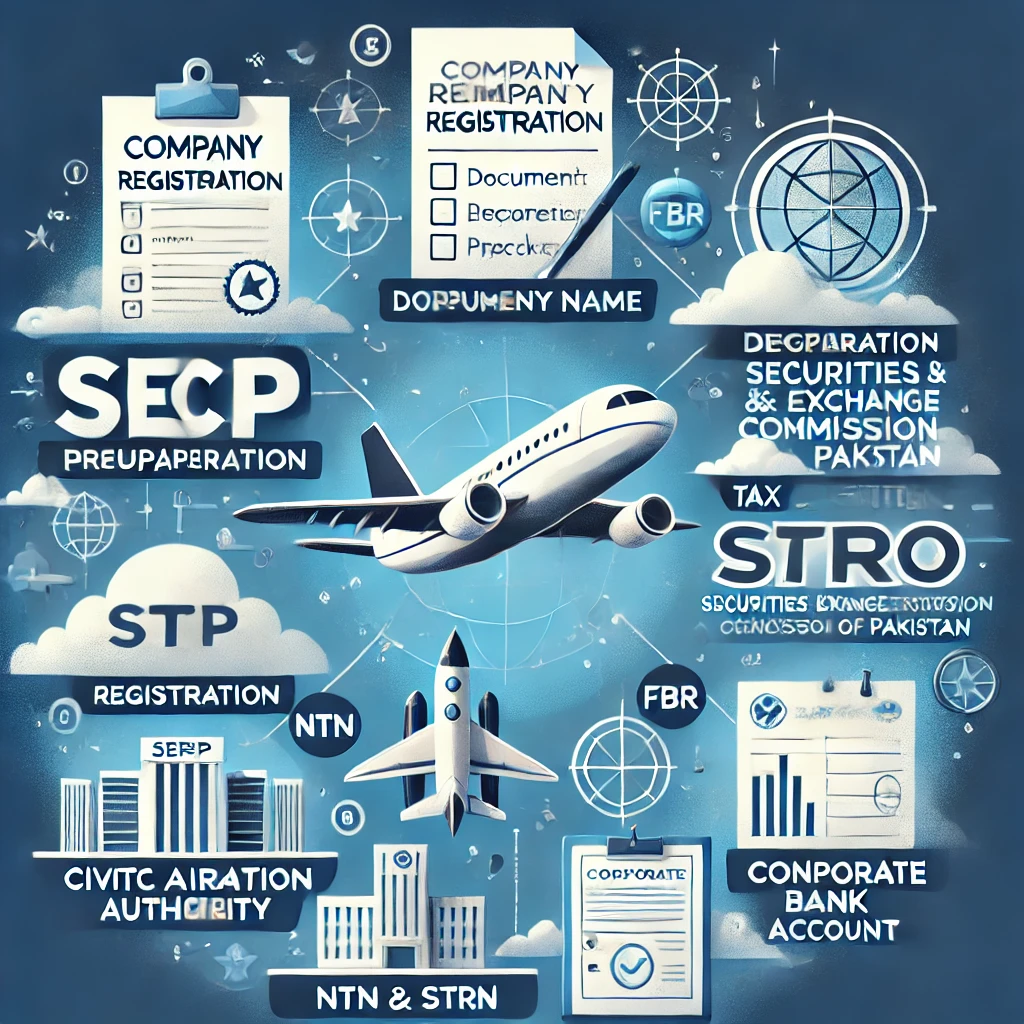
Here is a step-by-step guide on how to register for an Import Export License in Pakistan, making the process easy to understand and follow.
Import Export License Registration in Pakistan: Easy Steps
To start importing and exporting goods from and to Pakistan, you need to obtain an Import Export License. This process is straightforward but requires compliance with certain legal and regulatory requirements.
Step 1: Register Your Business
Company Registration: First, you must register your business with Securities and Exchange Commission of Pakistan (SECP). If you are starting a business as a sole proprietor, partnership, or company, registration with SECP is essential.
CNIC or NTN: You must have a National Tax Number (NTN) from the Federal Board of Revenue (FBR). This is required for all businesses to operate legally in Pakistan.
Step 2: Apply for a Sales Tax Registration
For import-export activities, you must apply for Sales Tax Registration with the Federal Board of Revenue (FBR). This registration allows you to deal with the sales tax on imported goods and exports.
The FBR will issue you a Sales Tax Number (STRN), which is necessary for carrying out import/export transactions.
Step 3: Obtain the Import Export License
The Trade Development Authority of Pakistan (TDAP) issues the Import Export License. Here’s how to apply:
Visit TDAP’s Website: Go to the Trade Development Authority of Pakistan (TDAP) website or the relevant government office where the registration process is handled.
Fill out Application: Complete the application form for the import-export license. You will be asked to provide the following:
Business details (Company name, address, contact, NTN number)
Sales tax registration number (STRN)
Bank details and financial statements
Proof of business premises
Documents Required:
Copy of CNIC (for individuals) or Company Registration Certificate (for companies).
National Tax Number (NTN).
Sales Tax Registration Number (STRN).
Bank Statement and/or Audit Report of the business.
Company’s Memorandum and Articles of Association (if applicable).
Copy of Lease/Rental Agreement for your business premises.
Proof of Ownership or Rent Agreement for your office or business premises.
Letter of Authority if someone else is submitting the application on your behalf.
Submit the Application: Submit the completed form along with the required documents to TDAP.
Step 4: Pay the Required Fees
There may be a fee for processing your Import Export License application. The fee amount depends on the type of business and license being applied for.
Fees can be paid via challan or any other payment method as prescribed by the Trade Development Authority of Pakistan (TDAP).
Step 5: Await Approval
Once you have submitted your application and all necessary documents, TDAP will process your application.
TDAP may take a few days to weeks to approve your application and issue the Import Export License. If there are any issues or missing information, they may contact you for further clarification.
Upon approval, you will receive your Import Export License.
Step 6: Receive the Import Export License
Once approved, the Import Export License will be issued by TDAP, granting you the legal right to engage in import and export activities in Pakistan.
You can now start importing or exporting goods as per the regulations set by the government.
Step 7: Maintain Your License
Renewal: The Import Export License needs to be renewed annually. Keep track of the renewal deadlines and ensure your business remains compliant.
Compliance: Ensure that you follow all import/export regulations, including paying customs duties, taxes, and adhering to any special trade agreements that may apply to your goods.
Important Tips:
TDAP provides a list of prohibited and restricted goods for export and import. Always check for compliance before shipping goods.
Ensure you have the required documentation for specific goods (e.g., health and safety certificates, origin certificates).
Work with a customs clearing agent or freight forwarder for smoother clearance and documentation handling.